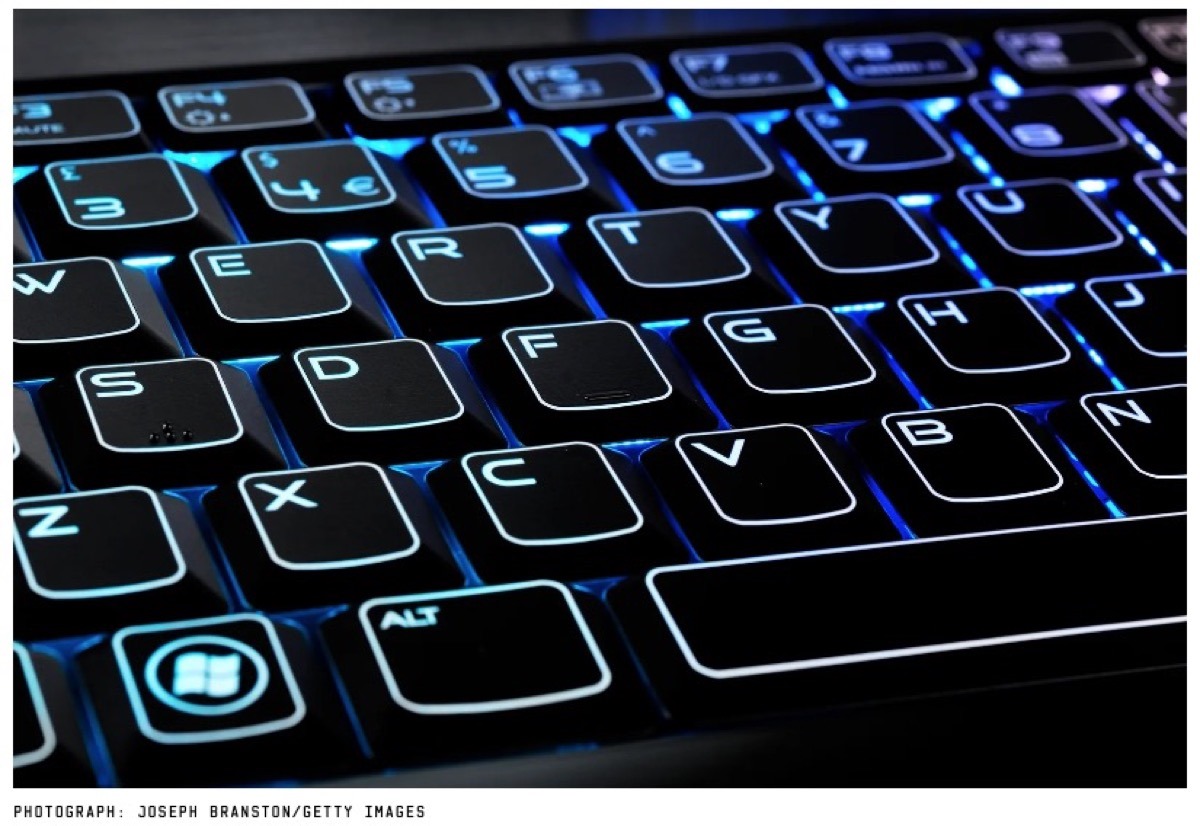
Occasionally I still get calls from people asking me about shortcut key combinations. Most of the shortcuts are second nature to people who grew up using computers, but then again … what you don’t use, you forget. How about a refresher from Wired?
Tip: Learn as many keyboard shortcuts as your brain can store. You probably know a few (Ctrl+C to copy and Ctrl+V to paste, for example), but there are dozens of others that can replace the clicks you make all day long. Here are a few I can’t live without:
The Windows key (or Command+Space on a Mac): If you need to launch a new app, don’t go clicking through your Start menu or Applications folder. Just press the Windows key—or hit Command+Space on a Mac—and start typing the name of the app in question. When its icon appears, press Enter, and you’ll have launched it without ever reaching for the mouse.
Ctrl+F: Ever search for something on Google, find a result that promises it has the phrase you’re looking for, but you can’t seem to find it in the 5,000-word article? Press Ctrl+F and you’ll get a little search bar that helps you find any word or phrase on a page, instantly transporting you to the information you’re seeking. (Bonus: you can then use Ctrl+G to scroll through the results.)
Ctrl+L: In a browser, press Ctrl+L and your cursor will automatically jump to the address bar, ready for you to type in a new search or web address. I probably use this underrated keystroke more often than any other shortcut on this list.
Ctrl+S: Save the document you’re working on. Do this as often as possible, lest you lose everything when your computer crashes/loses power/your cat accidentally closes Microsoft Word.
Ctrl+T and Ctrl+Shift+T: Instead of clicking that tiny New Tab button in your browser, press Ctrl+T to instantly open a new tab and start searching. (Bonus: if you accidentally close a tab and want to bring it back, press Ctrl+Shift+T. Like Thor’s hammer returning to his hand, the tab will reappear in an instant.)
Ctrl+Shift+V: Ctrl+Shift+V: You probably know you can press Ctrl+V to paste, but that often brings a lot of baggage with it—if you’re copying text from a website, it could include the original font, links, and other formatting you don’t want. To avoid this, many apps let you use Ctrl+Shift+V to paste a block of text without links and other garbage, so you don’t have to waste time switching the font back to normal. Its behavior can vary a bit from app to app, but give it a try—on Mac you may find Command+Shift+V works in some apps, while Option+Shift+Command+V is required for others.
Ctrl+Arrow Keys: I used to have a boss who could work his way around a long document with nothing but the keyboard, and it amazed me. Turns out, he was holding Ctrl and using the arrow keys—left and right move the cursor between words, while up and down move it between paragraphs. (Bonus: if you hold Shift while moving the arrow keys, you’ll select that text instead of just moving the cursor.)
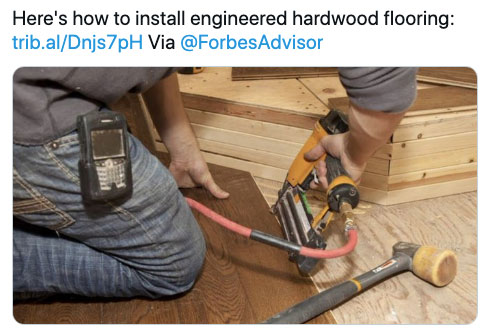
Although the “installing engineered hardwood flooring” comment caught my eye in this @Forbes retweet from @ForbesAdvisor … I couldn’t help but noticed the “likely” canned image with an old Palm Treo hanging on the installers belt. Fun to remember those old days!
My brother Ron spent his career as a civilian with the USAF and much of it was spent year working with F-16 modifications. He was a cog in the bureaucratic gears dealing with the many upgrades and decade long modification cycles.
I saw this 60/40 international joint partnership model in a photo discussed by my aviation friends who debated the Mitsubishi F-2 derived from the F-16 Agile Falcon variant proposed by General Dynamics in 1984. It featured a 25% larger wing, upgraded engine and some already planned MSIP IV improvements for the basic F-16. Unsuccessfully offered as a low-cost alternative for the Advanced Tactical Fighter (ATF) competition, some of its capabilities were incorporated into the F-16C/D Block 40, and the Agile Falcon would serve as the basis for developing Japan’s Mitsubishi F-2 fighter.
BUT really I just liked the photo … and this one too …
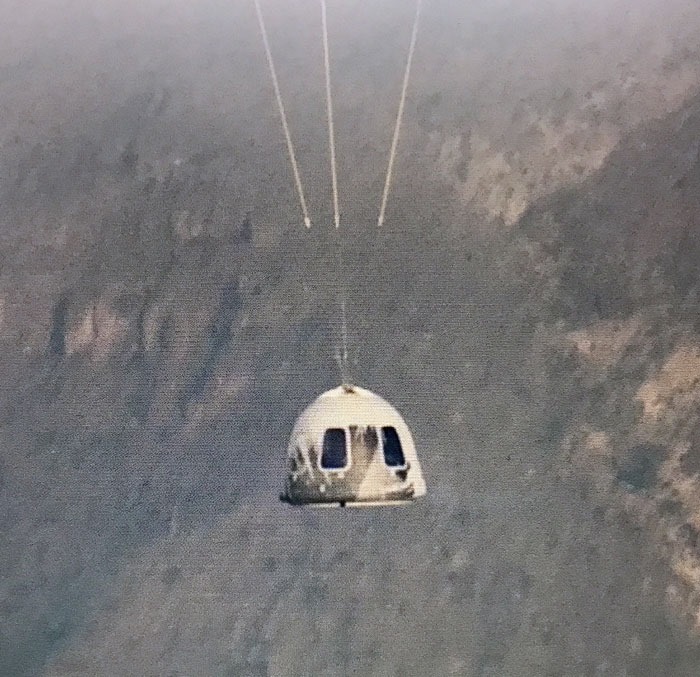
Most news outlets are covering the Jeff Bezos and crew launching the few minutes delayed Blue Origin first crewed 11-minute space flight on the anniversary of Apollo 11’s moon landing in 1969. The New Shepard spacecraft launched flawlessly and was a beautiful site … although, shockingly short, for $28 million dollars per passenger.
Interestingly, the sky in SW Ohio was very orange last night as I looked out the window before bed last night. I was so clear that after “trying” to capture the moon on my iPhone 7plus (left), I opted to pull out the Lumix GX8 (right) and then added the telephoto for a closer image of the moon itself below (click for larger).
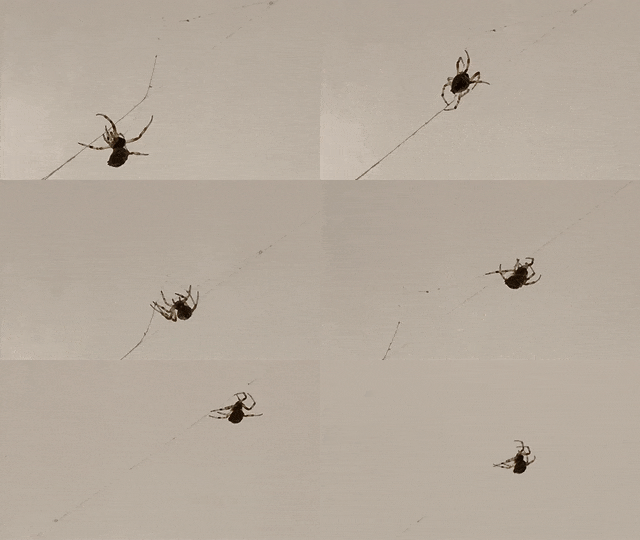
Figured I would archive a couple leftover photos and an animated gif from a nice weekend working out in the yard. Since the concrete crew has not started the driveway project yet, I am continuing to clear brush and cut low branches (contemplating large concrete mixing trucks). Once again, the bonfire brush pile is starting to make me feel uncomfortable.
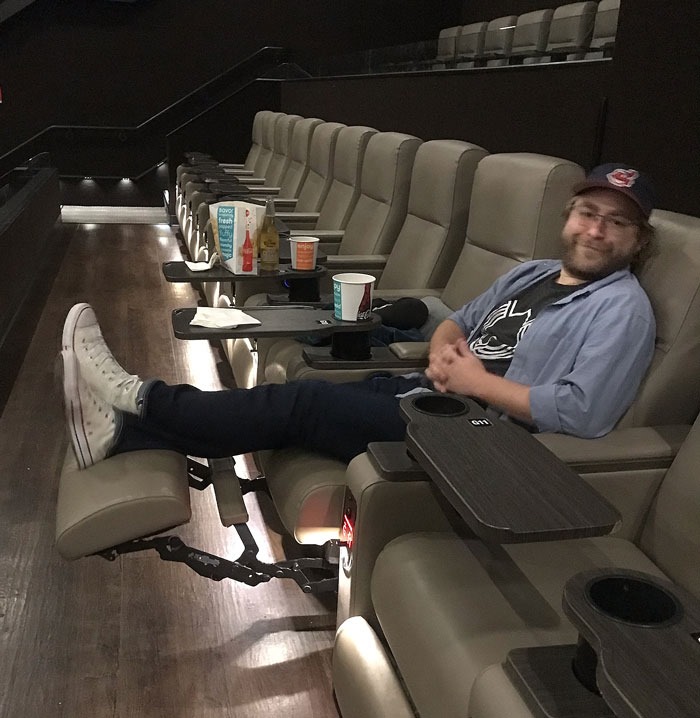
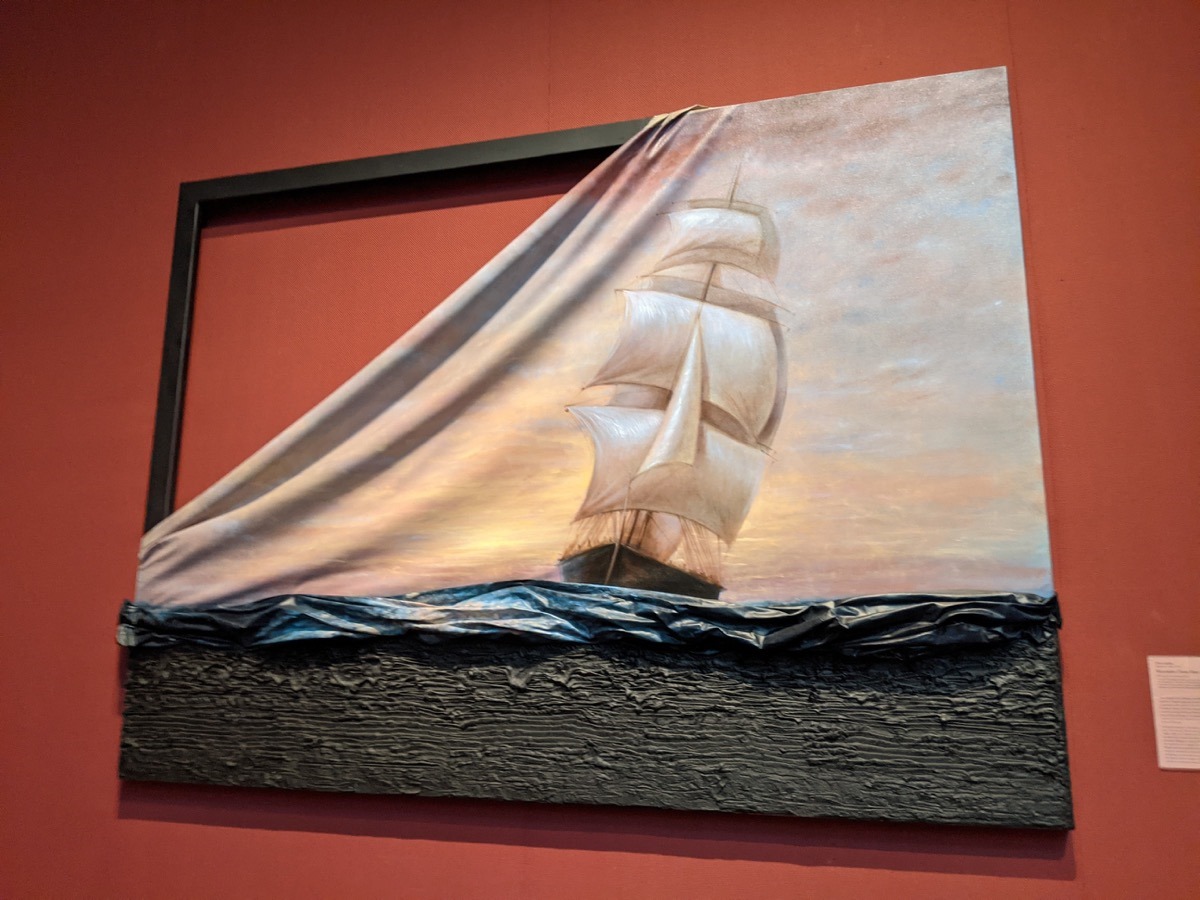
The family was busy over the weekend as well – Taylor and Megan went to the new Black Widow movie and Katelyn and Drew had an Oostra “cookout” weekend with family in town. One of the activities was visiting the Toledo Museum of Art and so Drew thought of me with this photo.
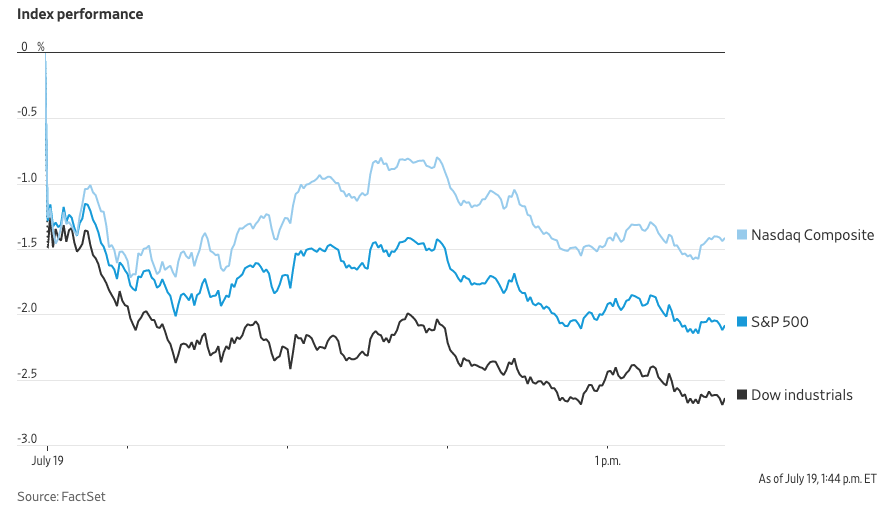
If you are an investor or long term education and retirement saver, you’re feeling the pain today as the coronavirus Delta variant spread could impact the economic recovery.
U.S. stocks, oil prices and government bond yields slid Monday as anxiety mounted over the spread of the Delta coronavirus variant and its potential impact on the global economy.
The Dow Jones Industrial Average slumped 830 points, or 2.4%, in midday trading, putting the index on track for its worst one-day drop since October.
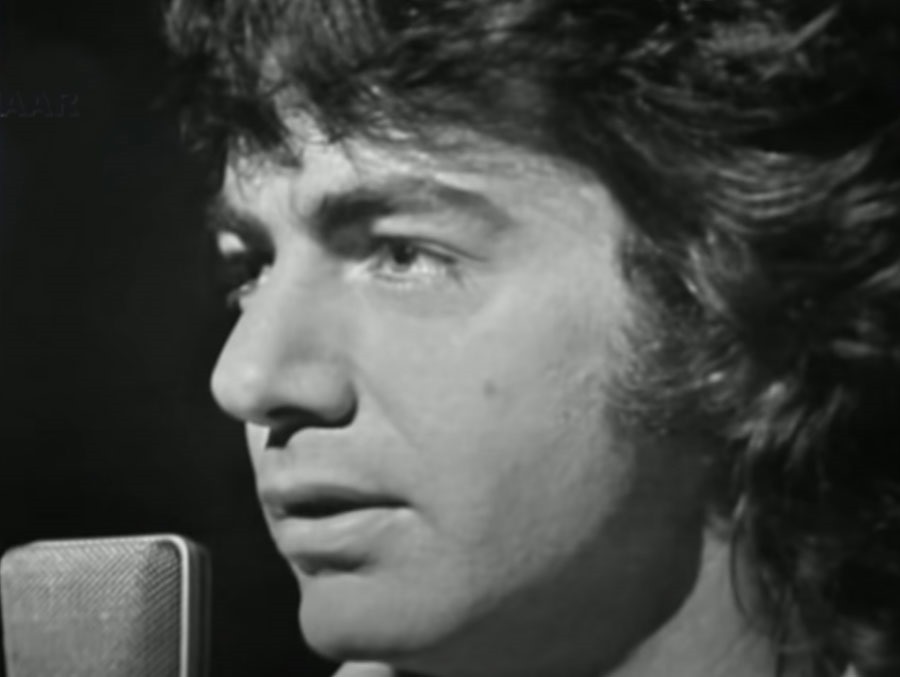
It has hard for me to imagine that there is anyone who doesn’t appreciate the music of Neil Diamond?
He may not have been at the top of my 1970s music listening list, but when it comes to soft rock, there are few men who can match his vocal talent. A Twitter snippet of a live performance of “Cracklin’ Rosie” put me in a good mood last week, so including the YouTube video below for this week’s Music Monday was an easy decision. Enjoy!
In January 2018, Diamond announced that he would immediately retire from touring due to having been diagnosed with Parkinson’s disease. Tour dates on the final leg of Diamond’s "50 Year Anniversary World Tour" in Australia and New Zealand were cancelled. An announcement on his official website said he was not retiring from music and that the cancellation of the live performances would allow him to "continue his writing, recording and development of new projects.” LINK
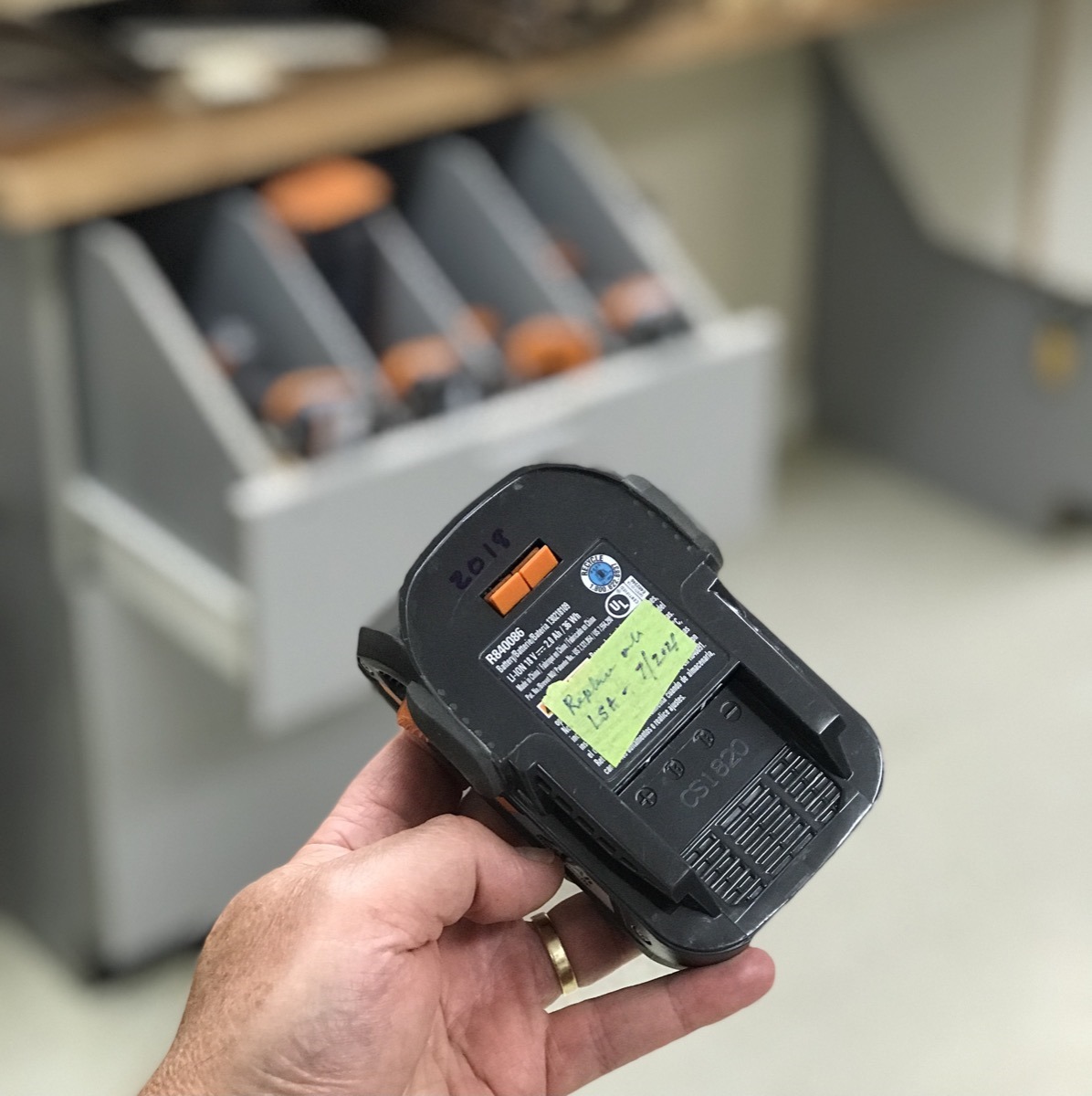
Good news and bad news. First, my relatively new (2018) smaller Ridgid tool battery will not hold a charge for very long … which has been my gripe with all previous battery powered “cordless” tools, especially those prior to Lithium Ion. Actually my complaint was not with the batteries, but the pricing of replacement batteries.
LSA covers all defects and many wear parts in properly maintained tools.
The Lifetime Service Agreement covers all worn parts in properly maintained tools. This includes normal wear items such as brushes, chucks, motors, switches, gears and even cordless batteries in your qualifying RIDGID® Brand hand held and stationary power tools. These programs also cover replacement rings, driver blades and bumpers on RIDGID® Brand pneumatic tools.
So last week I called the customer service battery replacement phone number and after a quick review of the battery, the condition and charger … they authorized a replacement. Ding, ding, ding … even with a failed battery, the warranty was honored. Good for Ridgid Tools – you have a satisfied customer.
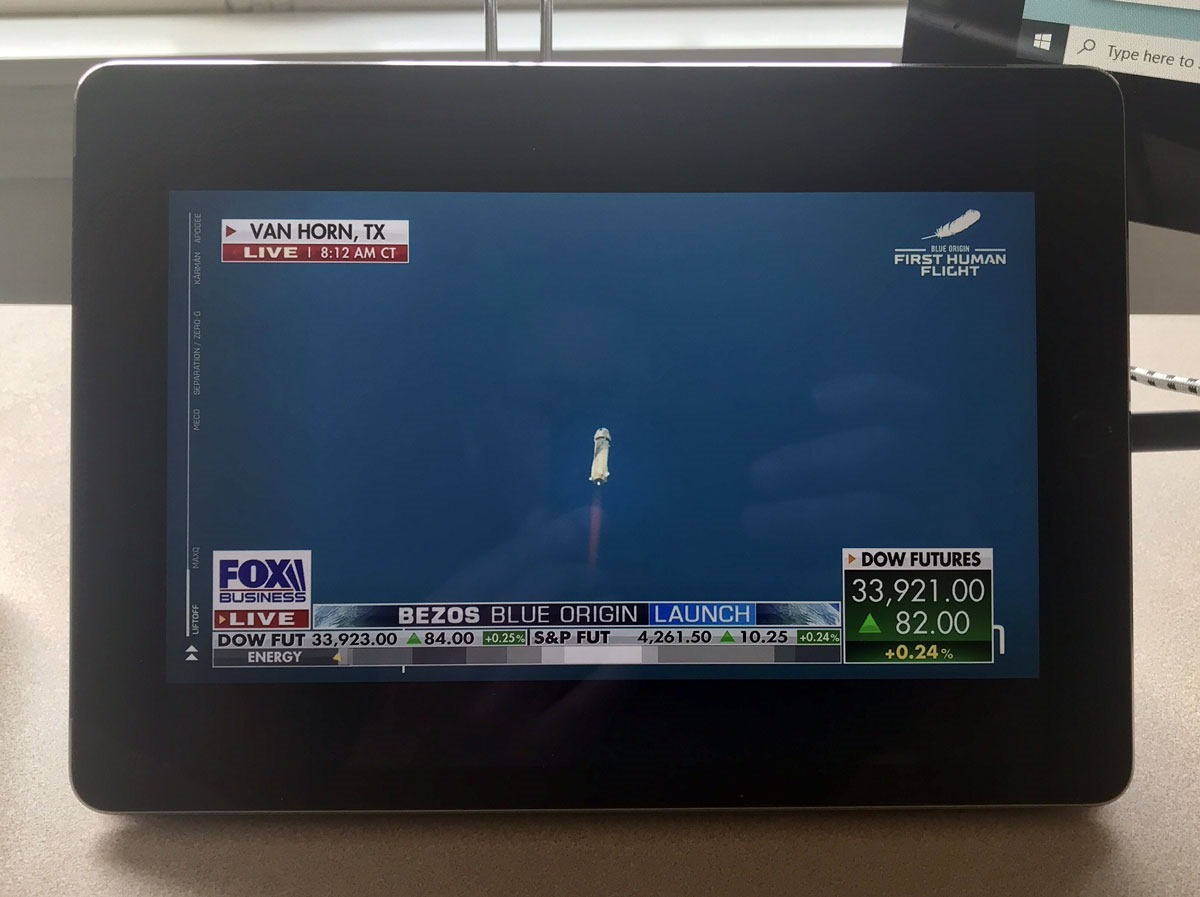
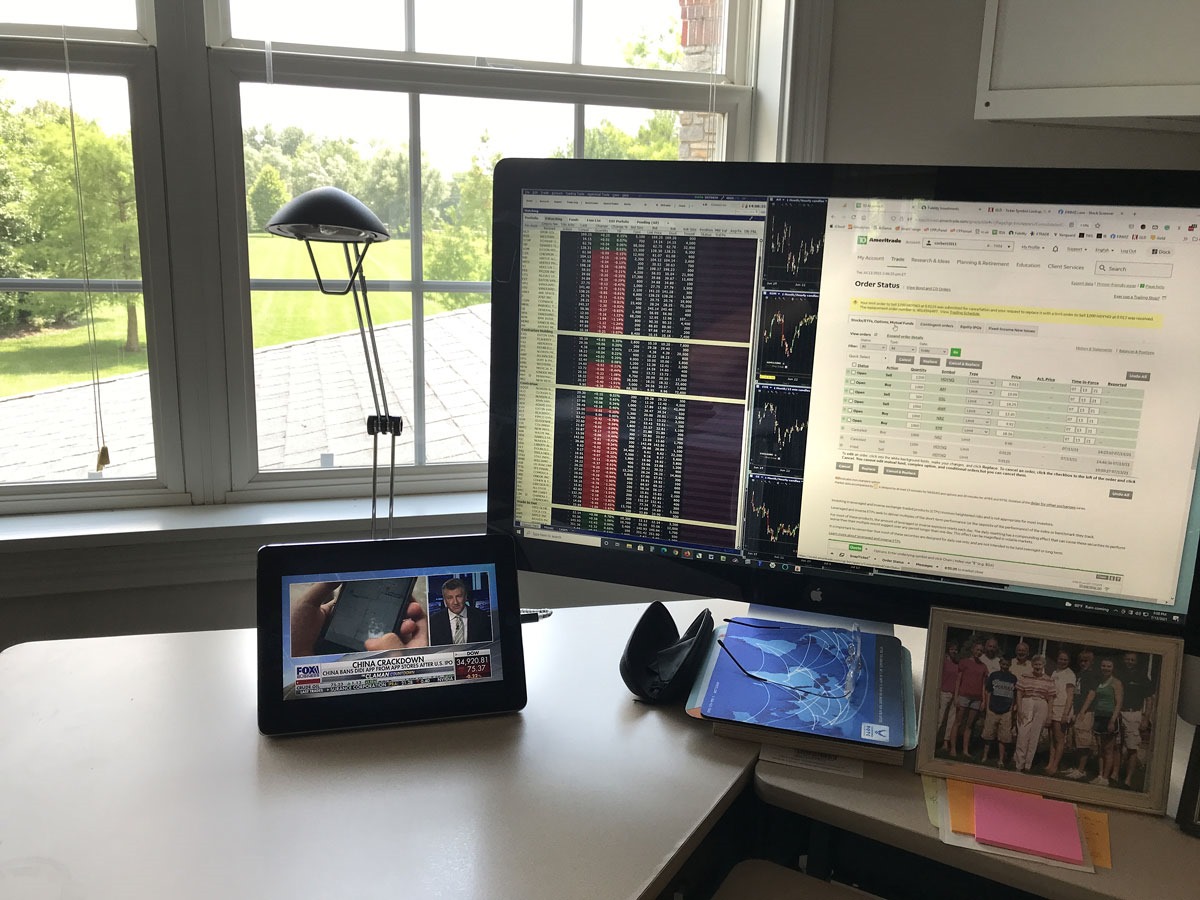
Slow progress on my home office as I continue to work in disarray; I am missing my accessory junk … including a small hanging TV. I don’t necessarily “watch” business television, instead listen to the stream via SiriusXM to my Aftershokz Aeropex headset. Occasionally though, do still find it helpful to have a video image so I have been streaming to my older iPad(FoxBusiness coverage of Chicago Autoshow below break). Considering streaming over the Internet was once nearly impossible when it comes to getting decent quality or sound that doesn’t cut-out, it is now almost perfect (I just need a LIVE rewind buffer). I’m starting to wonder if I really need to hang a new bigger screen on my office wall anymore?
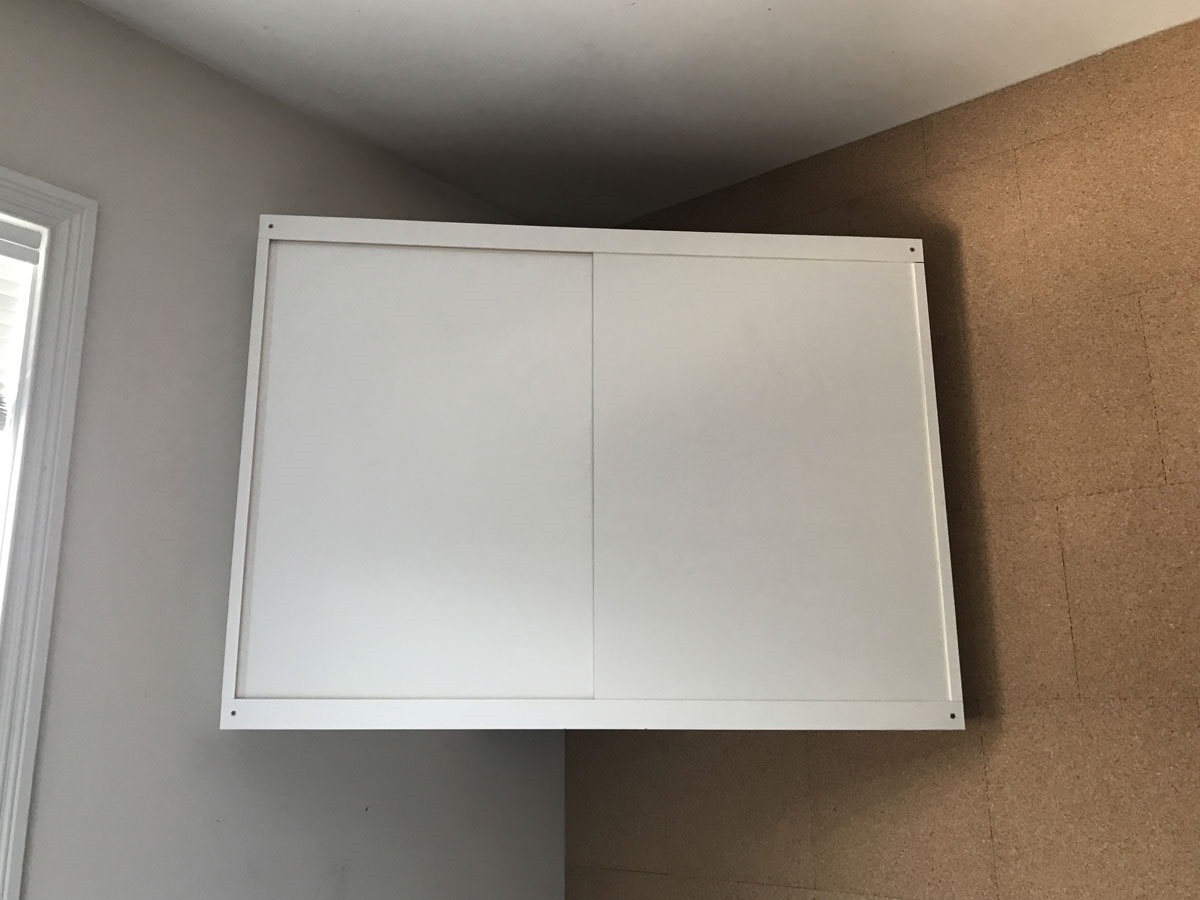
Last week I did work a bit more on my corner whiteboard cabinet which I’m hoping to use for networking gear and other office clutter. It still needs painting, but the sliding dry-erase board doors should serve double-duty even though I’ve never been a huge whiteboard user.
My Amazon Kindle Voyage is not used much for reading anymore as I have gravitated to using my iPad, but every time I’ve picked it up lately the battery has been dead.
So after ordering an inexpensive replacement lithium battery – it is surprisingly small – I popped the back off with the help of a YouTube video and painlessly put in the new battery … without the sticky adhesive of the original.
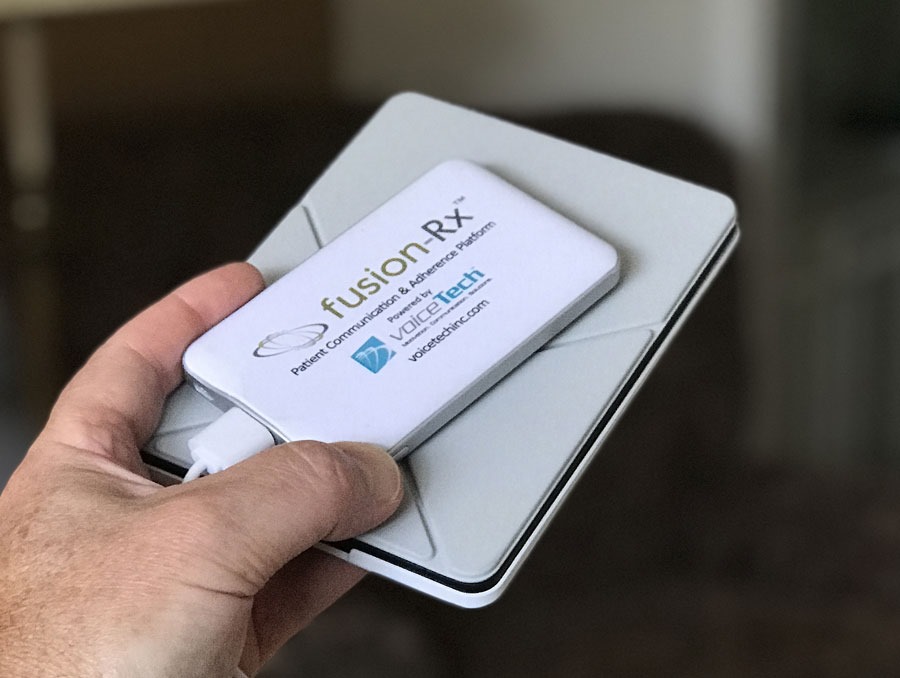
After charging with a new hand-me-down battery pack (thanks Jeff), the Kindle app updated the new borrowed library books and looks to be ready for some evening reading.
It is yet to be seen if the tiny new battery will hold a charge for a few weeks without going flat (that was really the problem with the old one). Stay tuned for some weekend battery talk on Sunday.